 Matteshot
Every screenshot, a matte shot.
Press PrtScn. The screen freezes, you click a window, and six finished versions appear. Pick one and it's on your clipboard. Recording, scrolling capture and a real editor are there when you want them - and invisible when you don't.
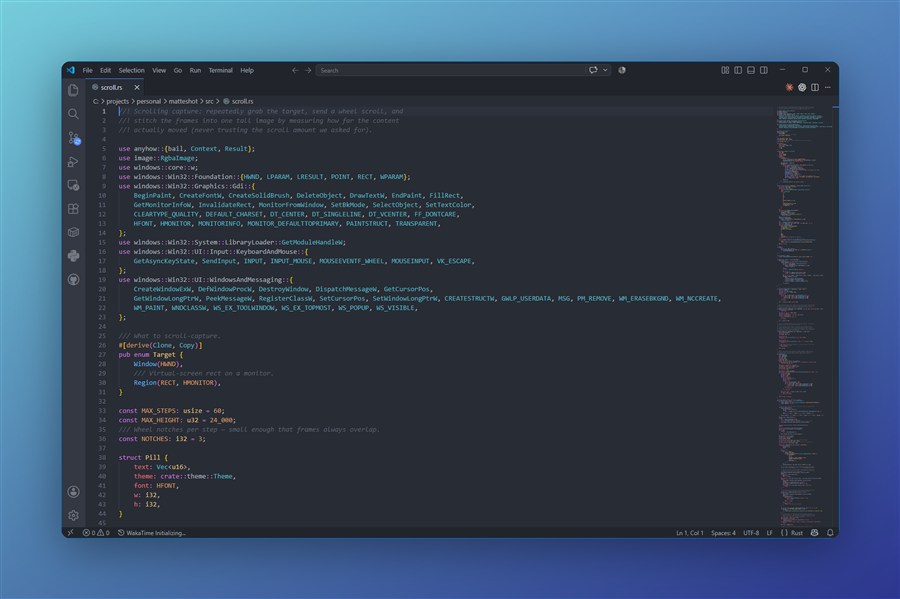
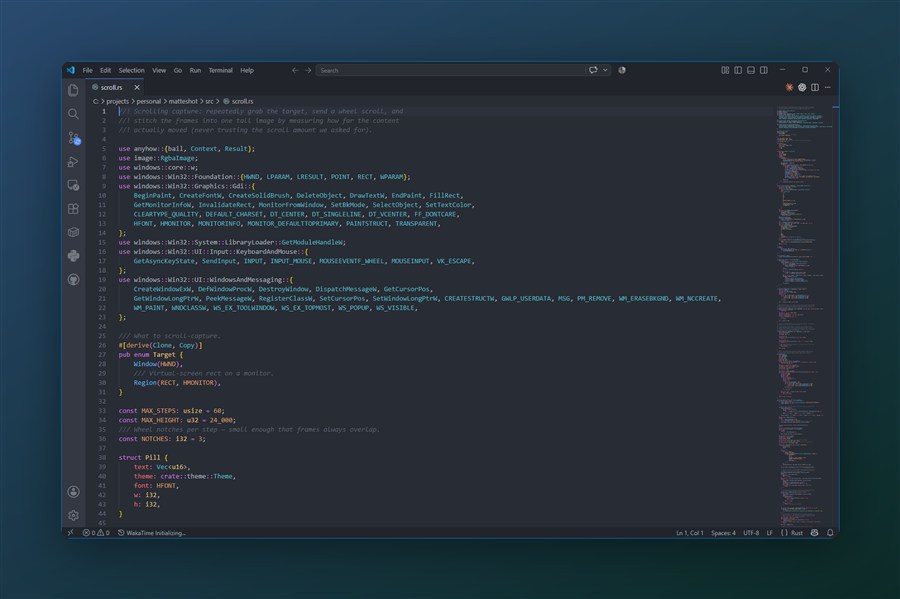
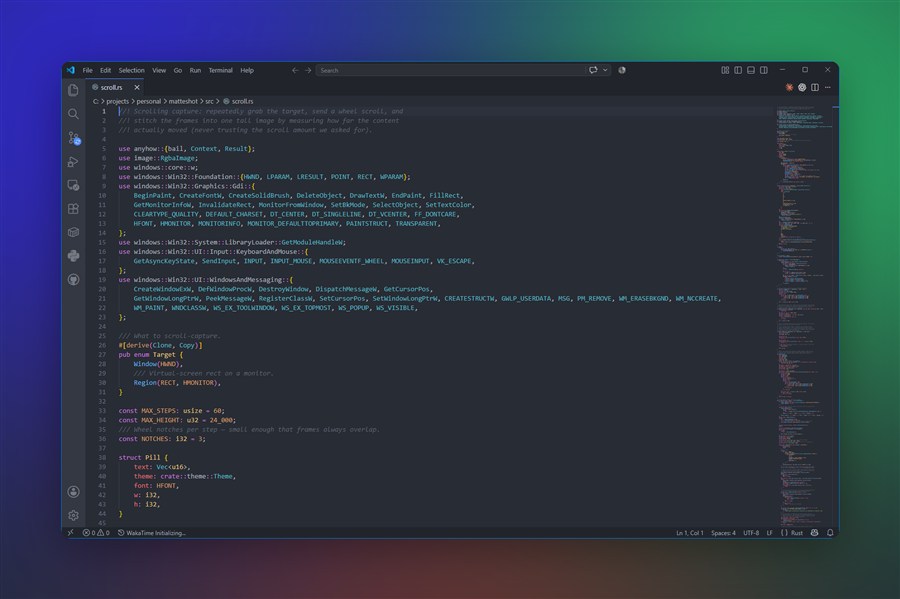
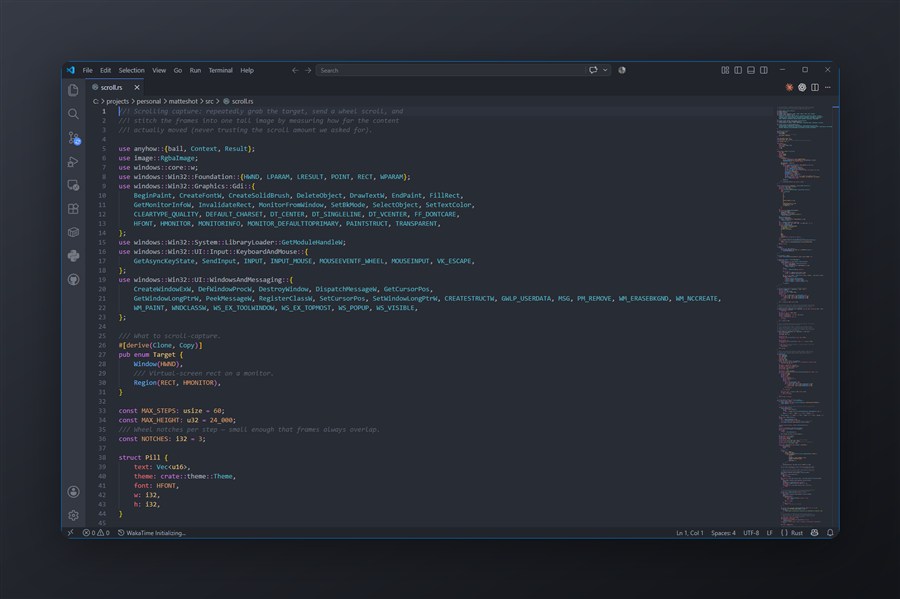
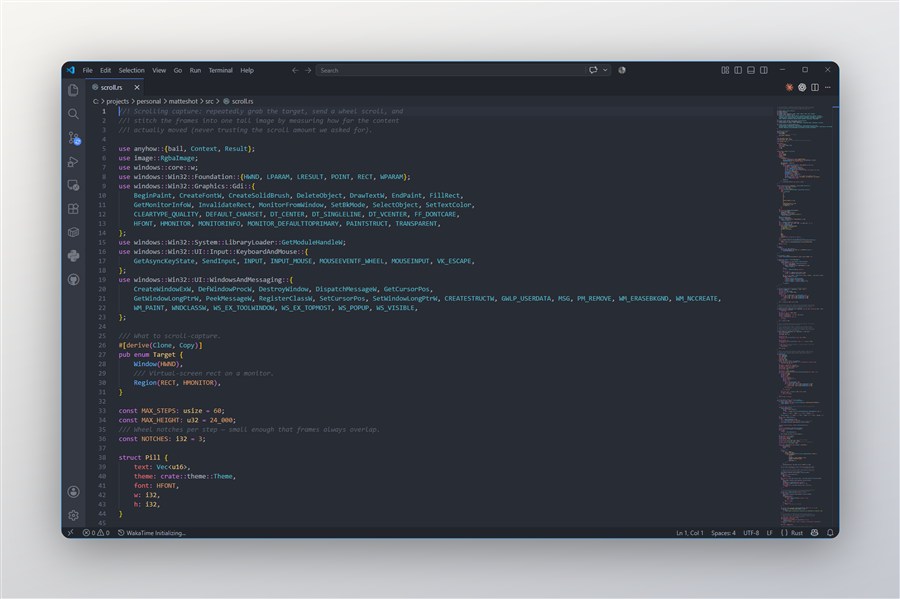
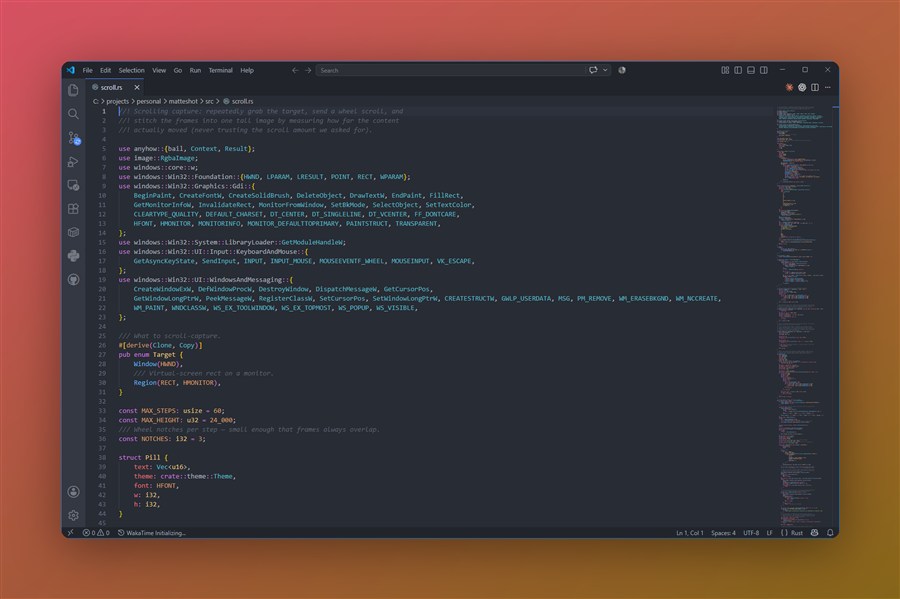
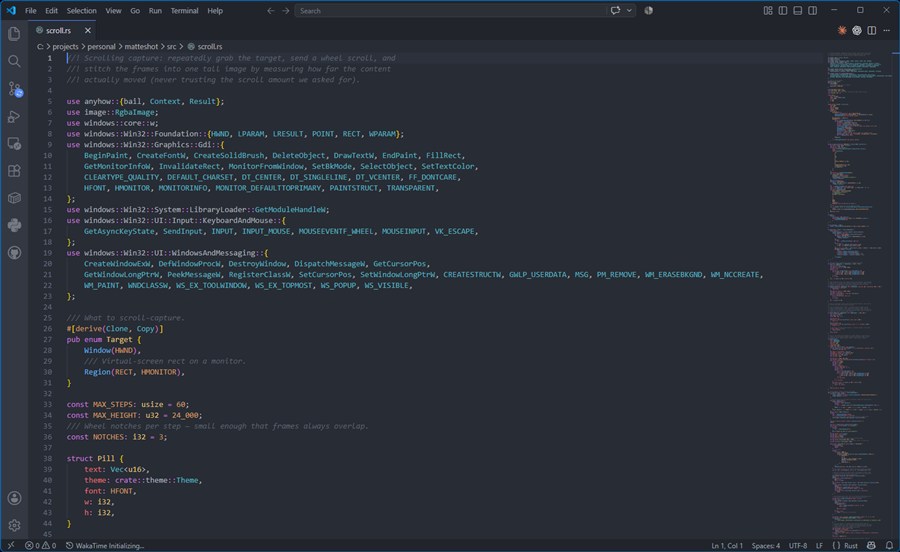
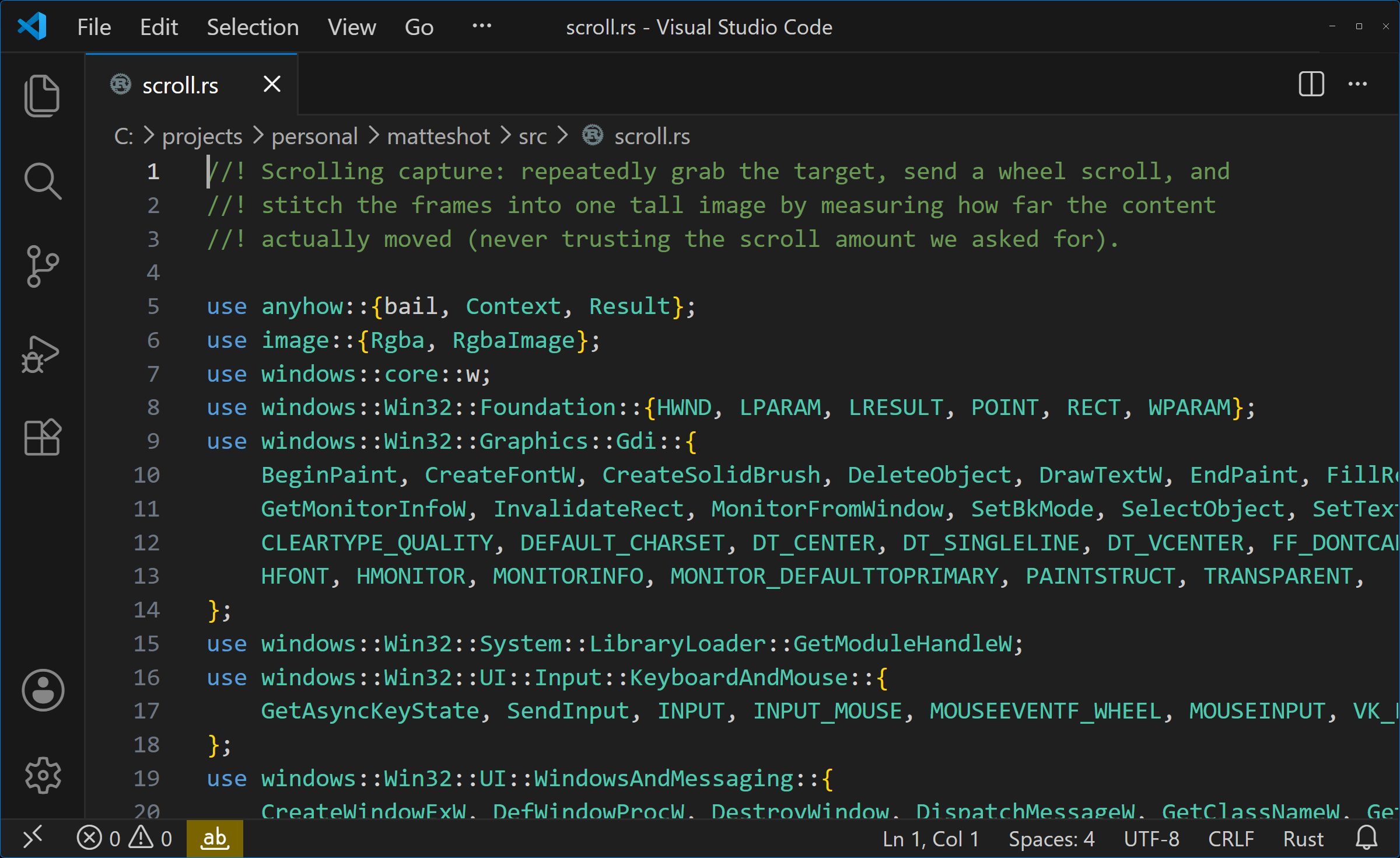
This is the real tweak flow, running in your browser. Switch mattes above, then annotate, reframe, select the text out of it, copy or save. Select text uses the app's own offline OCR output for this exact capture.
Three seconds, start to paste.
Built for the moment you need a decent-looking screenshot and don't want to open a design tool.
Press PrtScn
Every monitor freezes. Hover highlights whole windows, drag grabs a region - even across screens. Ctrl+Alt+S skips straight to the active window.
Pick a matte
Six styled versions render instantly, tinted from the colors of whatever you captured. Your last choice is preselected, so Enter just works.
Paste it
A full-resolution PNG lands on your clipboard three ways at once - image, PNG and file - so paste works in chat, docs and Explorer alike.
Six mattes. Zero fiddling.
Backdrops are derived from the dominant hue of your capture, so they never clash. Same window, six looks.
Click to enlargeClick to enlargeClick to enlargeClick to enlargeClick to enlargeClick to enlargeWhen you do want to edit.
Press T in the picker and the tweak editor opens. Everything you'd expect, nothing you have to learn.
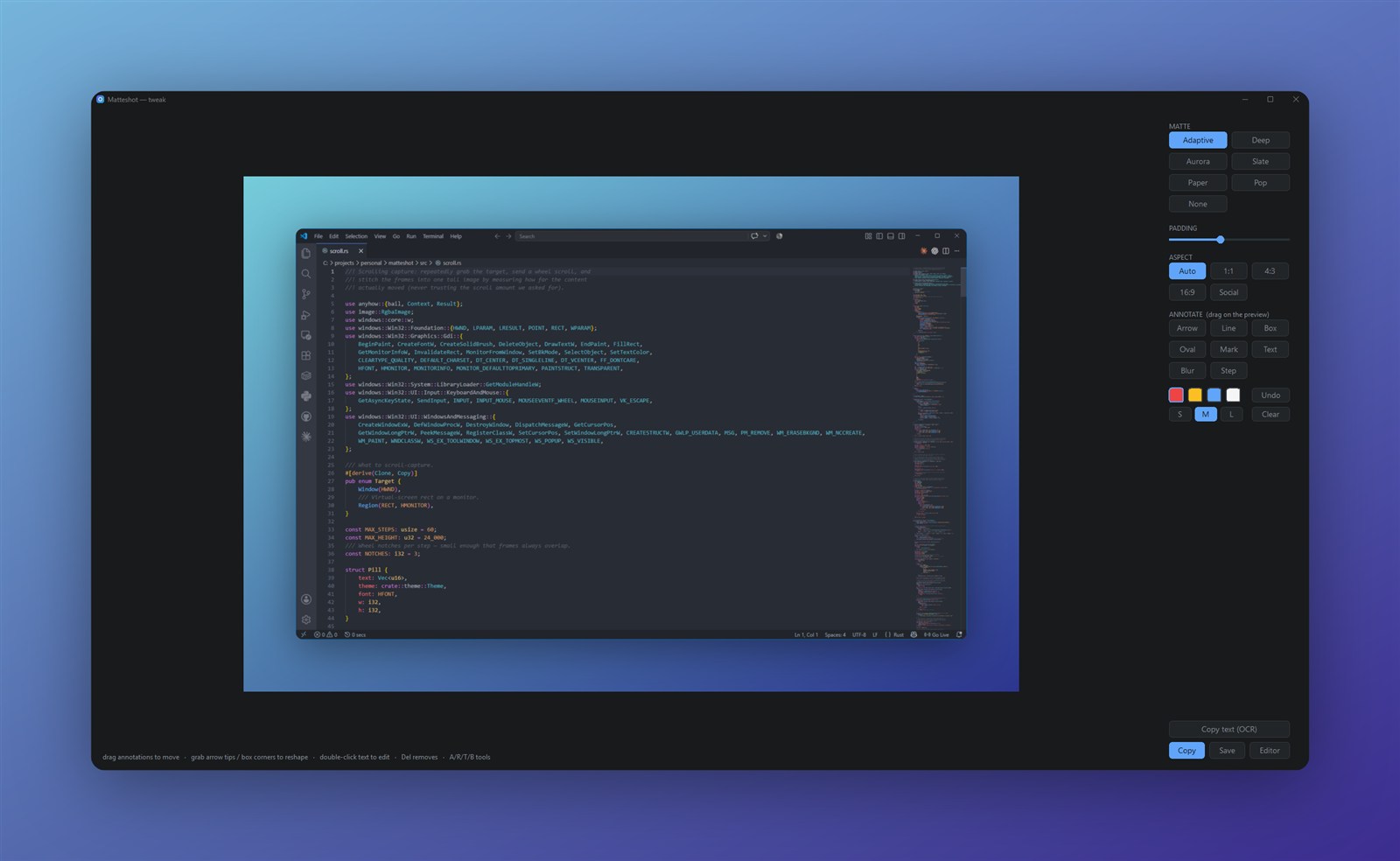
- Annotate - arrows, lines, boxes, ovals, highlights, text, numbered steps and a freehand pen. Drag anything after the fact; reshape arrows by their tips.
- Redact - pixelate the parts that shouldn't leave the building.
- Reframe - swap the matte, slide the padding, snap to 1:1, 4:3, 3:2, 16:9 or social, and cap the exported size.
- Select text - offline OCR turns the screenshot into something you can drag a cursor across. Anything you pixelated stays unreadable, and uncopyable.
Records your screen, too.
Hit Record in the same overlay and use the same gesture - click a window or drag a region.
MP4, with audio
H.264 video with optional system sound or mic, muxed properly. The floating controls exclude themselves from the recording.
Trim on stop
When you stop, a review window shows a filmstrip. Drag two handles, save a frame-accurate trim, done. No timeline app required.
GIF when it helps
Optionally save a small GIF alongside the MP4 for the places where video won't autoplay.
Whole pages, one shot.
Scrolling capture stitches an entire page into a single tall image. It measures how far the content actually moved instead of trusting the app, so it works in browsers, editors and terminals alike.

- This is real output - a full Wikipedia article, 28,243 pixels tall, captured in one pass. Scroll it.
- Sticky toolbars handled - headers and status bars are detected and appear exactly once.
- Knows when to stop - end of page is detected by measurement, not guesswork.
Small app, sharp output.
Native and tiny
Rust and Win32. No Electron, no runtime, no splash screen. It sits in your tray and waits.
Crisp capture
Uses the same GPU capture path as OBS. Hardware-accelerated apps and Win11 rounded corners come out clean.
2x export
The frame renders at double resolution so your shots stay sharp after Twitter, Slack and GitHub rescale them.
Your captures stay local
Capture, styling, OCR and files all happen on your machine. There is no account and no telemetry, and nothing you capture is uploaded. The app only goes online to check for updates.
PrtScn, handled
Windows normally reserves the key for Snipping Tool. Matteshot takes it over with one consent prompt, reversible any time. Win+Shift+S keeps working.
Dark and light
Every window, menu and titlebar follows your system theme - and switches live when Windows does.
Pin to screen
Float any capture on top as a reference while you work. Drag to move, scroll to zoom.
Multi-monitor, obviously
The overlay freezes every display. Select on any of them, drag regions across the seam.
Consistent by default
Your last matte is remembered and preselected. Ship screenshots that look like they came from the same brand, because they did.
The right tool depends on the job.
Snipping Tool and ShareX are both good. Matteshot is for the narrower moment when you want polished, consistent output immediately. The full comparison covers Greenshot and Snagit too.
Choose Snipping Tool if built-in basics are enough. Choose ShareX if you want maximum control and automation. Choose Matteshot if the same polished result, with almost no setup, is the point.
Before you put it in your tray.
Which versions of Windows?
Matteshot runs on Windows 10 version 2004 or later and Windows 11, on x64 PCs. It is a native 64-bit app with no separate runtime to install.
Is Matteshot free?
Yes. Matteshot is free and open source, licensed under MIT or Apache-2.0 at your option. Every feature works without an account or a subscription, and there is nothing to activate.
Where is the source code?
On GitHub at github.com/btsouth/matteshot, along with releases and the issue tracker. Bug reports and pull requests are welcome; start with CONTRIBUTING.md.
How do I install it?
Download the installer from this page, or run winget install SouthboundSoftware.Matteshot. It installs for your user account only, so there is no admin prompt.
Is the installer signed?
Yes. Official installers and the app are code-signed, and Windows shows the signer as Brandon South, the developer behind Southbound Software. Before an update installs, Matteshot checks an Ed25519-signed release record and the installer's Authenticode signature.
What data does Matteshot collect?
Matteshot has no telemetry and no account. The only network traffic is the update check: at startup and once a day it fetches matteshot.app/version.json, and when a newer version is listed it downloads that version's signed release record and, with automatic updates on, the installer. Those requests carry your IP address and a Matteshot/<version> user agent. Captures, OCR text, files and paths stay on your PC. The privacy policy has the details.
Can I turn off automatic updates?
Yes. Turn off Install updates automatically in Settings and Matteshot stops downloading and installing new versions by itself. It still checks for updates and offers new ones from the tray.
A matte shot is the old film trick of compositing a subject over a painted background. Mountains behind the castle, painted on glass. That is exactly what happens to your window. The backgrounds are mattes, and you pick one.
Matte is the finish that doesn't compete with the subject. It's the gallery print, the good business card, the phone you didn't put a case on. Your content is the point. The matte just makes it look expensive.
Free and open source.
Every feature, no account, no subscription. The code is on GitHub for anyone to read, build or improve.
Or with winget: winget install SouthboundSoftware.Matteshot
